By Valerie Mitchell · Client Success Manager, Clientomic
Published August 12, 2026
Do not create a second profile. A Google Business Profile (GBP) is the listing that represents your local business on Google Search and Maps, and learning how to fix a suspended Google Business Profile starts with the original listing. Review the reason, correct documented facts, and prepare matching evidence. Google makes the final reinstatement decision.
Keep the original profile, identify whether the problem affects the listing or the whole Google Account, correct only facts you can prove, and prepare your evidence before opening the appeal form. Google gives you 60 minutes to submit an opened evidence form (Google Business Profile Help, 2026).[1]
Do not create a replacement profile. Save the suspension notice, read the policy or eligibility issue shown in Google's appeal flow, and check whether the restriction applies to the profile or to the Google Account that manages it. Compare the profile's business name, address or service-area setup, category, phone, website, and hours with your real-world business records. Correct only details that are inaccurate and that you can document. Then assemble the relevant registration, license, tax, utility, or other business evidence before you open the appeal evidence form. Submit one complete appeal from the account connected to the profile and keep a copy of what you sent. No outside service controls whether Google approves the request or how long the review takes. Google makes that decision after evaluating the profile, policy issue, and supporting evidence.
Treat the suspension like an incident, not a new-listing task. A consistent record supports the official review path; duplicate listings and contradictory edits create more facts to reconcile.
Use this sequence today:
Do not create a second profile while the appeal is under review. Google gives this instruction directly.[1]
This is also where Managed Local Visibility begins to matter. It means recurring operational care for how a business appears across local search surfaces. It does not mean control over Google's moderation process.
Start by separating a profile suspension from an account restriction. A profile suspension is Google's restriction on one Business Profile's visibility or management access while its eligibility or policy fit is reviewed. An account restriction is an action against the managing Google Account that can affect every Business Profile associated with it. Next, check whether the business itself is eligible for a profile and whether the listing matches the real-world business. Review the name, customer-facing address or hidden-address setup, service area, primary category, duplicate records, phone, website, and recent changes. A service-area business serves customers at their locations and may hide its address when eligible; a service area does not create an unlimited ranking radius. If the appeal tool is missing or returns an error, record that as a routing problem instead of assuming the business needs a new listing.
Use this four-branch decision tree:
| Branch | What to check | What not to assume | Next action |
|---|---|---|---|
| Profile-level suspension | Notice, profile ID, listing facts | Every profile in the account is affected | Correct the listed issue and prepare the appeal |
| Account restriction | Account notices and other managed profiles | A profile-only appeal fixes the account | Resolve the account restriction first |
| Eligibility or identity mismatch | Name, address, service area, category, duplicates | More uploads can offset inconsistent facts | Reconcile the profile and records |
| Appeal-tool or routing issue | Error text, account used, current status | A missing form permits a replacement profile | Capture the error and use official support routing |
Fixing a suspended Google Business Profile is not a new-listing exercise; it is a policy-and-evidence exercise on the original profile.
For a service-area business, an address-triggered suspension needs two checks before any appeal rewrite: whether the business is eligible with the correct address presentation, and whether Google is exposing the correct review channel. That is practitioner context, not an official finding about any individual case.
Prepare a short, consistent evidence packet that connects the profile to the real business. Google lists business registration, a business license, tax certificates, and utility bills as examples of evidence that can support an appeal. The business name and address on submitted documents should match the profile where those fields apply. Include only relevant, unaltered documents and a concise explanation of what was inaccurate, what you corrected, and why the business is eligible. For a service-area business, explain how customers are served and why the address is shown or hidden under Google's rules. Have the packet ready before opening the evidence form: Google says an opened evidence form must be submitted within 60 minutes or it will not attach to the appeal (Google Business Profile Help, 2026).[1] That 60-minute window is a submission deadline for the form, not a promise about Google's review time.
Across the suspension cases we review at Clientomic, the strongest starting point is a short, consistent record of what the business does, how customers are served, and which documents match the profile—not a folder of unrelated uploads. Current Google Business Profile Help Community guidance also tells owners to compare the profile with real-world details before opening the appeal.[3]
Check the match before you submit:
| Profile field | Document field | Mismatch to fix |
|---|---|---|
| Business name | Registration or license name | Added keywords, old name, or inconsistent legal identity |
| Address | Utility bill or license address | P.O. Box, virtual location, old address, or hidden-address error |
| Business activity | License and customer-facing model | Online-only or lead-generation model that is not eligible |
| Category and description | Actual primary service | Claims that do not describe the real business |
Never alter a document. Evidence volume cannot repair an eligibility problem.
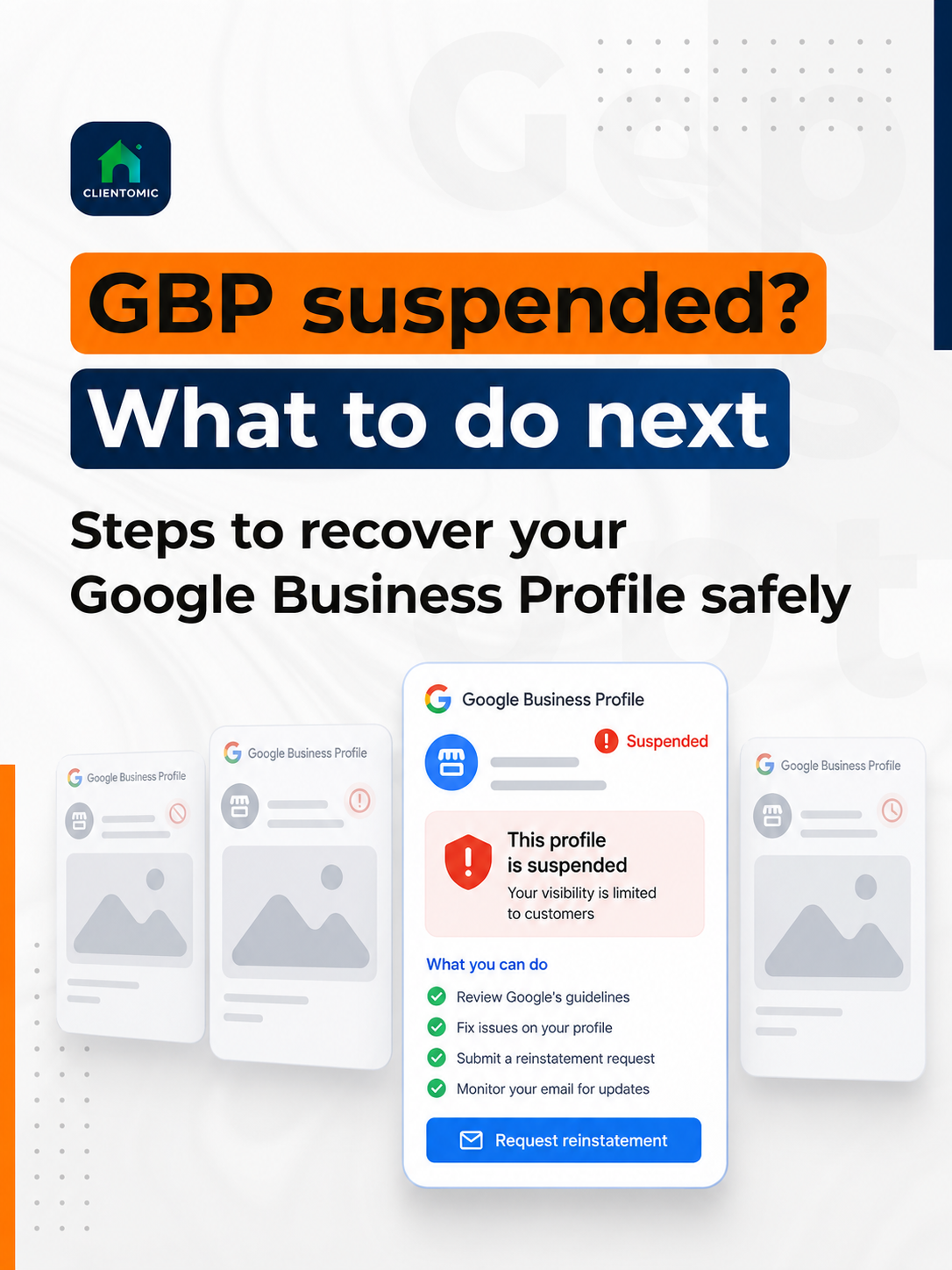
Use Google's official appeals tool while signed into the Google Account connected to the suspended profile. Select the affected Business Profile, review the moderation decision, and confirm that the profile now follows the relevant guidelines. Submit the appeal once, add the prepared evidence within the allowed window, and save a copy of the documents and explanation. Then monitor the appeal by its current state instead of repeatedly resubmitting. Google lists five statuses in the tool: Submitted, Approved, Not Approved, Can't be appealed, and Eligible for appeal (Google Business Profile Help, 2026).[1] Each status calls for a different next action. Submitted means wait and preserve the record; Not Approved can open the separate additional-review path; and Can't be appealed requires a routing check. Repeated submissions do not turn the process into a live support queue.
What should you do when Google suspends your Business Profile? Stop creating new profiles, diagnose the policy issue, prepare matching evidence, and submit one complete appeal.
Follow the official flow:
| Status | What it means for the owner | Next safe action |
|---|---|---|
| Submitted | Google has the appeal | Wait and preserve the record |
| Approved | Google accepted the appeal | Confirm profile access and details |
| Not Approved | Google denied the request | Assess eligibility for additional review |
| Can't be appealed | The tool does not offer a normal appeal | Document the screen and check official support options |
| Eligible for appeal | The decision can enter the appeal flow | Correct the issue and submit one complete request |
Google provides a separate spreadsheet route for businesses appealing more than 10 profiles (Google Business Profile Help, 2026).[1] A single-location owner should use the standard profile flow.
In the suspension cases we review, the appeal path behaves like a finite status flow, not a live support queue: the next action changes after a tool error or a denial. LocalSearchForum guidance similarly notes that the appeal tool does not provide a progress estimate.[4]
Read the exact status before taking another action. Not Approved, Can't be appealed, and a missing or failed appeal tool are different conditions. Google describes an additional review as a separate review available only after a reinstatement request has been denied. Additional review may include evidence that was not part of the original appeal, but it does not change who makes the decision. Before requesting it, state what fact changed, which new document supports that fact, which eligibility or policy point is now addressed, and which profile and account are involved. If the tool is unavailable, capture the error, confirm that you are using the correct managing account, and use Google's official support or Business Profile Help Community route. Do not create another profile, cycle through contradictory edits, or send the same unsupported packet again. Neither Clientomic nor another provider can force Google's decision.
An additional review is Google's post-denial route for asking it to assess new or clearer eligibility evidence. It is not a second first appeal.
Before requesting one, confirm:
When a suspension follows a name, address, or duplicate-profile change, we first reconcile the profile with the business record and the applicable policy before asking Google for another review. This observation explains the operating discipline; it does not predict Google's outcome.
Use a recurring profile-governance routine after access returns. Keep the business name consistent with real-world signage and records. Maintain an eligible storefront address or the correct hidden-address setup for a service-area business. Keep one profile for each eligible business and location, limit edits to facts you can support, and protect owner access to the managing account. Review categories, services, hours, attributes, phone, website, and suggested edits on a set schedule. Record material changes and keep current registration, license, tax, and utility documents where the responsible owner can find them. This work cannot prevent every moderation action, but it reduces avoidable inconsistencies and makes future diagnosis more orderly. Managed Local Visibility is ongoing management of these local-search details; it is not a promise that Clientomic can direct Google's enforcement, reinstatement, ranking, calls, or response time.
A practical monthly routine includes:
Account ownership deserves its own check. Review how to set up a Google Business Profile so the business retains control from the start and when staff or service relationships change.
For local businesses that want to keep their listing accurate and in good standing going forward, Clientomic offers a done-for-you local visibility service that manages Google Business Profiles on an owner's behalf, so the business stays findable on Search, Maps, and AI assistants without the owner having to handle it themselves. See what recurring Google Business Profile management includes. That scope supports profile governance; it does not include deciding or guaranteeing Google's appeal result.
If you want ongoing profile care after the immediate appeal work is documented, book a call below.
Capture the error, signed-in account, profile ID, and date. Confirm that the account manages the suspended profile, then use Google's official support route. A no-content message is not permission to create a duplicate.
Usually not. A business owner can handle a straightforward suspension appeal using Google's official instructions, accurate records, and matching evidence. Consider legal advice only if the suspension involves a broader business dispute, regulated activity, or another formal legal matter. A lawyer cannot control Google's review or guarantee reinstatement; keep the appeal factual and submit it through Google's official process.
Avoid repeated edits. Correct a name or address only when it is wrong and your records support the change. Save the before-and-after details; contradictory edits make the evidence harder to understand.
The core appeal flow is the same, but address eligibility and visibility need separate checks. An eligible service-area business may hide its address while serving customers at their locations. Explain the customer-facing model and make sure the profile, evidence, and address presentation agree.
Request additional review only after a denied reinstatement request and when you can address the eligibility or policy issue with new or clearer evidence. Repeating the same packet without explaining what changed is not a stronger submission. Google still makes the final decision.
The replacement can create a duplicate without resolving the original policy issue. Google explicitly says not to create a new Business Profile for the same business while an appeal is under review.[1] Keep the original profile ID and use the official review path.
An owner with accurate records can submit the appeal directly through Google's official process. A managed service can maintain recurring profile details, access, posts, Q&A, and reporting after the incident. It cannot decide Google's moderation result or promise reinstatement.
Sources:
1. Google Business Profile Help, appeal sequence, evidence requirements, status labels, and additional-review process, 2026. Read Google's suspension and appeal guidance
2. Google Business Profile Help, guidelines for business names, addresses, service areas, categories, and duplicate profiles, 2026. Read Google's profile guidelines
3. Google Business Profile Help Community, current suspension evidence and eligibility checklist, 2026. Read the community evidence checklist
4. LocalSearchForum, practitioner guidance on Business Profile appeal statuses and progress visibility, 2025. Read the appeal-status discussion
Observations sourced from review of public-community discussions on LocalSearchForum, Reddit r/smallbusiness/r/SEO/r/localseo, and Google Business Profile Help Community in 2025-2026, alongside Clientomic's profile-audit and onboarding work. Patterns reflect qualitative observations across multiple independent threads, not specific customer disclosures.