
By Ivan Kalin · Local SEO Expert & Founder at Clientomic
Published September 30, 2026
A service-area business travels to customers instead of serving them at its own address. A Google Business Profile (GBP) is the listing a business manages across Google Search and Maps. Google, not a marketing provider, decides whether a location is eligible and which verification method applies.
Usually, no: one service-area operation should have one Google Business Profile, even when its crews cover several cities. Google says a service-area business without a customer-facing storefront is allowed one profile for its central office or location. A second profile may be eligible when the business operates from a separate real location with separate staff and a separate service area. Eligibility is possible, not assured, because Google reviews the facts and controls verification. A city, postal code, phone route, landing page, or added service does not establish another location. The practical test is whether the second profile would represent an independent operating base that customers and staff would recognize in the real world. Google's default remains one profile per business because duplicate records can cause display problems across Search and Maps.[1]
Google's rule follows the operation, not the size of the map. A plumber with one dispatch desk and one shared team does not become a multi-location business by serving five towns.
| Scenario | Right profile action | Evidence that matters | Risk if misapplied |
|---|---|---|---|
| One base, one dispatch team, several cities | Keep one profile | Accurate central base and service areas | Duplicate profiles may conflict |
| Separate base, staff, and service area | A second profile may be eligible | Real operating facts for each location | Google may reject an unsupported location |
| Extra service line or phone number | Keep one profile | Categories and services on the existing profile | Several records may describe one business |
| Mailbox, virtual office, or target-city address | Do not create another profile | No eligible operating base exists | Policy action or loss of visibility |
A service-area business has one Google Business Profile for one operation; a second profile requires a second eligible location, not a second target city.
A separate location is a real operating base with its own staff, service area, and accurate business details. The location should exist for operational reasons, not only to place another marker in a target city. An owner should be able to explain who works from the base, which jobs that team handles, how the location supports the work, and how its public details match the real business. Separate dispatch responsibility can support that distinction, but a label inside scheduling software does not prove a separate operation. Google may also ask for evidence during verification, and the available method belongs to Google. Two legal entities, brands, phone numbers, or webpages do not automatically establish two eligible locations. When the facts are mixed, the safest decision is to document the operation before creating anything and avoid describing a possible location as already approved.
Before proposing another profile, check whether every statement below is true:
Search Engine Land's 2025 multi-location SEO guide recommends keeping each branch's contact information, hours, links, and premises photos current. It also warns that guideline violations can cause suspension or verification problems.[4] Those obligations make little sense for a target-city address where no separate operation exists.
The separate-location exception is narrow. Google's guidelines allow one profile for each service-business location when each location has separate staff and a separate service area.[1] That wording does not turn a checklist into an approval promise.
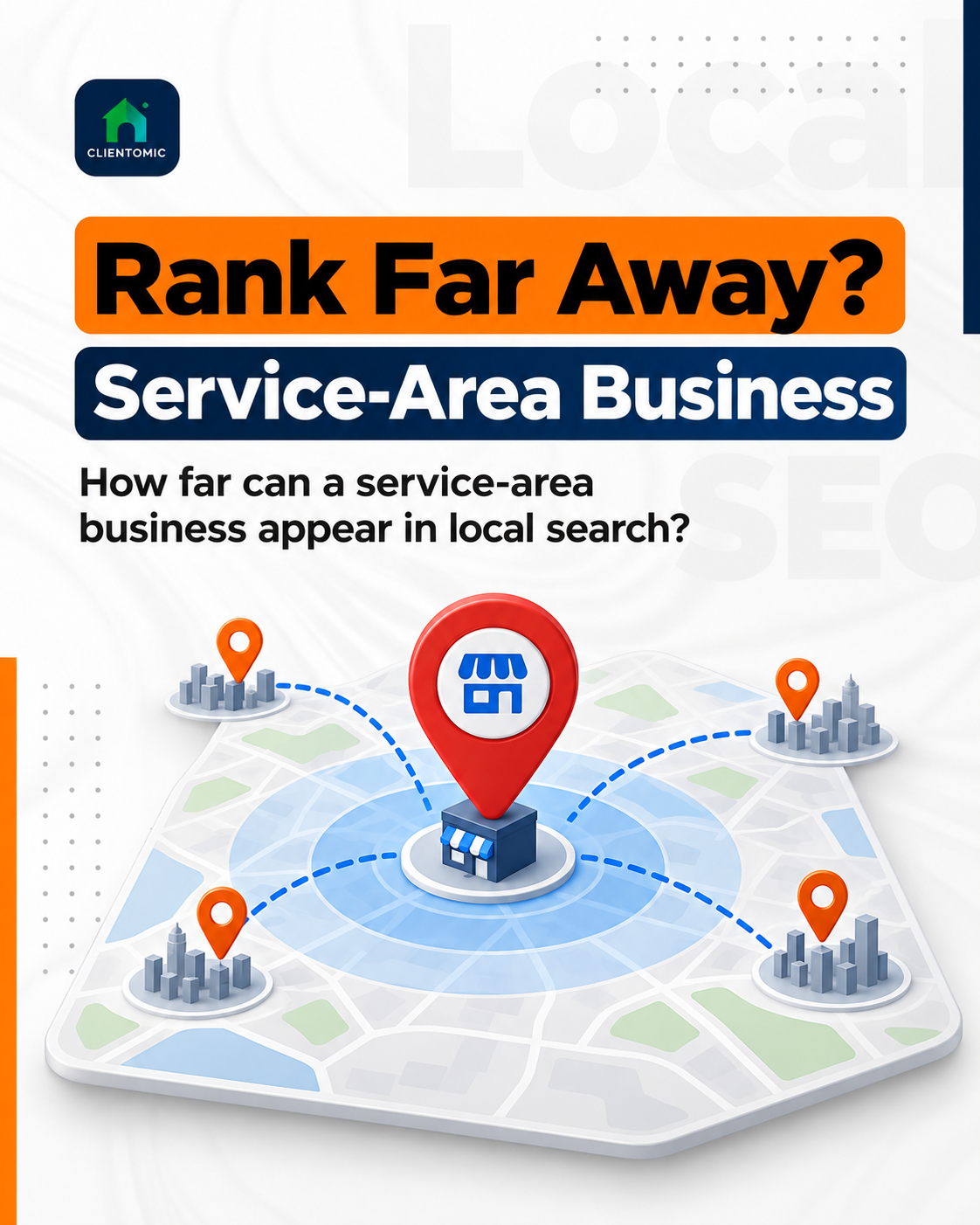
Serving another city changes the coverage map; it does not prove that another business location exists. A service area is a coverage setting, not a physical location: changing the map boundary does not create another business to verify. Postal codes, territories, webpages, phone routing, and service names can describe where or how one team works, but those items do not establish a second staffed base. A single HVAC team may travel across several cities while remaining one operation with one profile. The profile-count decision is also separate from local visibility. Adding a city to the service area does not assure that the profile will appear equally across that city, and creating another profile does not create a valid shortcut. The sound decision begins with operating facts—location, staff, and service responsibility—rather than the markets the owner wants to reach.
This distinction protects the owner from solving a visibility problem with an eligibility risk. A second profile is not a substitute for accurate business information or regular upkeep.
Owners who need to maintain categories, services, posts, Q&A, and reporting can use a Google Business Profile optimization checklist. That work improves clarity and consistency, but it does not change Google's location rules.
A second Google Business Profile is not eligible when the record would describe the same operation from an address that is virtual, unstaffed, borrowed, or used only to reach another market. Google does not accept P.O. boxes or remote mailboxes as business locations. A virtual office is also ineligible unless the business actually operates there under Google's stated staffing conditions. One company should not split plumbing, drain cleaning, HVAC, or other service lines into separate profiles from the same base. Another phone number, landing page, internal territory, or employee home used only for verification does not create a separate business. Owners should not attempt to work around verification or create city-by-city profiles. The accurate route is one canonical profile for one operation, with categories, services, and coverage settings that describe what the business really does.
Google's representation guidance is the authority for the location decision. The following shortcuts fail the real-world test:
No second profile assures a better position, transferred reviews, more calls, or a particular verification result.
One canonical profile should list only the places the business actually serves and should hide the business address when customers are not served there. Google lets a service-area business specify cities, postal codes, or other named areas rather than a radius. Google permits up to 20 service areas on one profile.[2] Google also says the overall boundary should generally remain within about two hours of driving time from the business base, although some businesses may reasonably cover more.[2] Those figures describe profile configuration, not reach or performance. A wide service area does not make the business equally close to every searcher. Accurate coverage gives customers a truthful picture of where the team travels and gives the owner one record to maintain.
The safer alternative to profile multiplication is simple:
Google says service-area edits may take up to 48 hours to appear after approval.[2] Wait for the current edit to resolve before submitting conflicting versions.
Managed Local Visibility means recurring oversight of a business profile and the signals that affect how the business is represented across Search, Maps, and AI search. Clientomic is a done-for-you local visibility service that manages Google Business Profiles for service-area businesses so owners get found on Search, Maps, and AI assistants without having to handle it themselves. Google still controls eligibility, verification, and search results.
If two profiles already represent one operation, stop creating or deleting records until the owner has documented both profiles. Record each profile URL or ID, ownership status, displayed name, address or service area, phone number, reviews, and any Google notices. Then identify which profile most accurately represents the current business and use Google's duplicate or ownership support route. Do not assume that deletion is automatically correct. Google's process depends on whether the profiles represent the same business and whether the owner controls them. Review replies, photos, and other profile details may not transfer exactly as expected. Rankings, calls, and review preservation cannot be promised. A careful inventory makes the support request clearer and reduces the chance of changing the wrong record while the duplicate issue is being reviewed.
Google's duplicate guidance covers several different cases, including profiles for the same business, separate businesses at a shared address, multiple services, and a moved business.[3]
For the full remediation branch, use this guide on how to fix duplicate Google Business Profiles. The first task here is diagnosis: one operation or genuinely separate locations?
Not by itself. A second crew can still belong to one operation with one base and one shared dispatch function. Google's exception refers to different locations with separate staff and separate service areas. Evaluate the whole operating model instead of treating crew count as the deciding fact.[1]
Possibly, but a second brand name alone is not enough. The profile must represent a genuinely distinct, independently eligible business, not another service line or marketing label for the same operation. Check the real-world identity and operating facts against Google's guidelines before creating a profile. Google makes the eligibility and verification decision.[1]
Yes. Google can treat two businesses at one address as separate when each is a genuine, independently eligible business. Shared premises alone do not make one a duplicate of the other. Keep each profile's name, category, phone, and ownership truthful to that business, and follow the verification method Google provides. Two registrations or phone numbers do not prove separate eligibility.[3]
Document the profile and the actual operating base, then compare the listing with Google's eligibility rules. Do not add misleading proof or create another listing. If the profile does not represent an eligible location, use the relevant Google support path and keep the business's canonical record accurate.[1]
Start with the existing profile and Google's moved-business guidance. Record the old and new locations, ownership, and current profile status before making an irreversible change. A move is a record-management event, not automatic permission to leave the old profile active and create another one.[3]
Check the same relevant searches from several realistic customer locations and keep the conditions consistent. A service area describes coverage; it does not establish one ranking across a city. Track profile actions separately from search visibility so a change in calls is not mistaken for proof of a position change.
One business with one shared operation should not need a maze of profiles to describe where it works. Keep the canonical record accurate, document any genuinely separate location, and let Google's published rules guide the profile-count decision. If profile governance keeps taking time away from running the business, we see at Clientomic that a short call is often enough to confirm fit and scope.
Sources:
1. Google Business Profile Help, guidelines for representing a business on Google, accessed 2026. Read the guidelines
2. Google Business Profile Help, service-area settings and limits, accessed 2026. Review service-area guidance
3. Google Business Profile Help, duplicate profiles and ownership issues, accessed 2026. Review duplicate guidance
4. Search Engine Land, multi-location SEO guidance for location-level information and Google Business Profile compliance, updated 2025. Read the guide