By Ivan Kalin · Local SEO Expert & Founder at Clientomic
Published September 23, 2026
Google Business Profile data can show whether people found your profile and took an action, but it cannot prove which action became a customer. Check searches and views, then compare calls, website activity, qualified inquiries, and booked work in your own records.
That is the practical answer to how to measure Google Business Profile performance. A Google Business Profile (GBP) is the business listing that appears on Google Search and Maps. Its Performance report shows discovery and interaction data, not a closed-customer ledger.
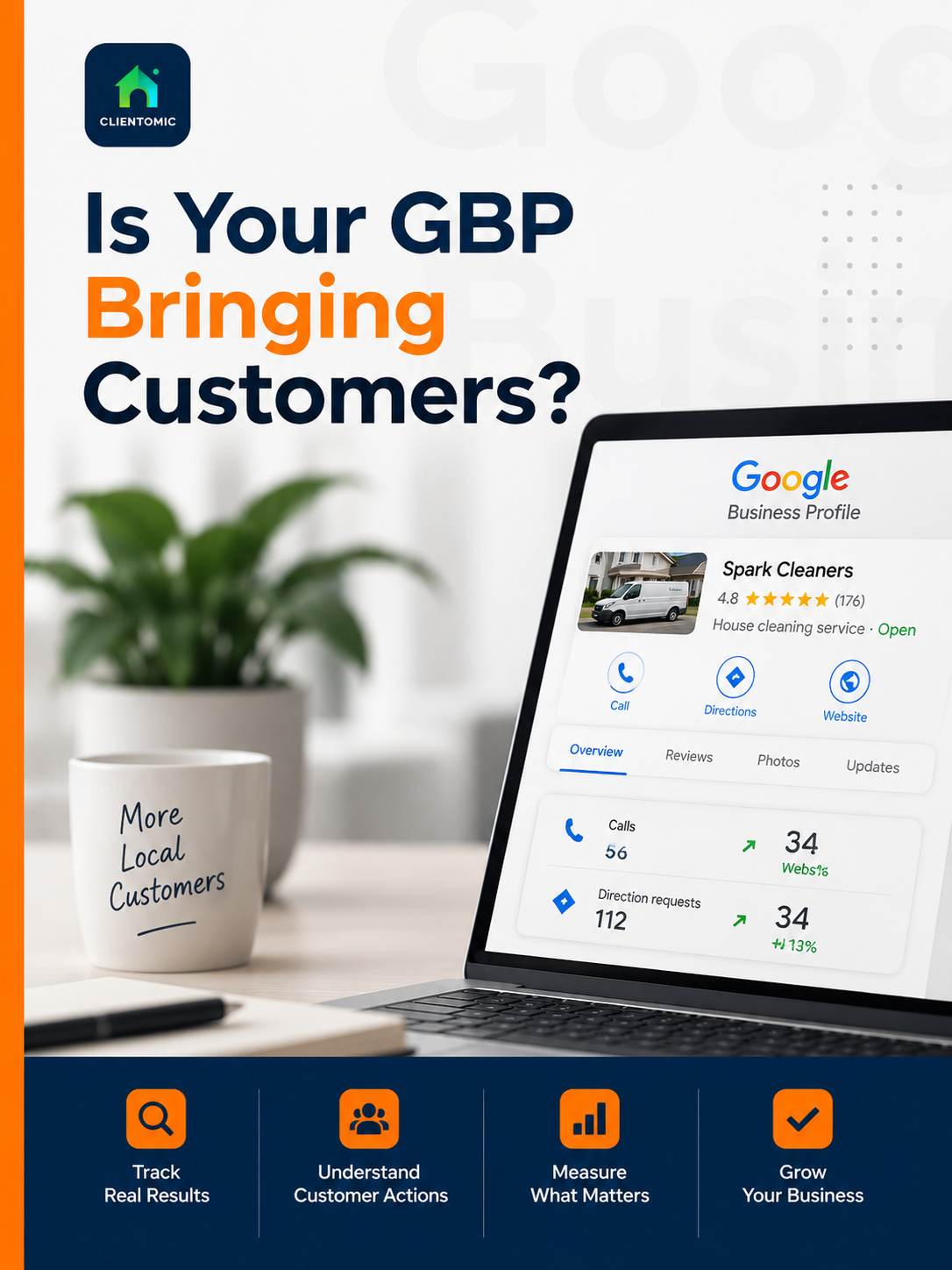
Google Business Profile Performance measures how people discover and interact with a verified profile on Google Search and Maps. Searches are the terms that surfaced the profile. Views count unique visitors who saw it. Calls count clicks on the profile's Call button. Website clicks, directions, messages, and eligible bookings record other actions taken from the profile. Only metrics relevant to the business appear, and Google says the report can include activity from organic results and Google Ads. These Google Business Profile performance metrics show exposure and intent; they do not identify a qualified inquiry, paying customer, or revenue outcome. Metric names also define the reporting boundary. Google Business Profile views measure profile exposure, not customers: a view means someone saw the profile, while the Calls metric records a click on the profile's Call button (Google Business Profile Help, 2026).[1]
Some owners still search for "Google My Business insights," but Google now calls this area Performance. BrightLocal's independent guide makes the same practical distinction between profile activity and the broader website data available in Search Console and Google Analytics (BrightLocal, updated 2025).[4]
| Metric | What it tells you | What it does not prove | Next check |
|---|---|---|---|
| Searches and views | The profile surfaced or was seen | The viewer became a customer | Compare relevant queries and actions |
| Calls | Someone clicked the profile's Call button | The call connected or qualified | Check answered-call records |
| Website clicks | Someone clicked the listed website link | The visitor submitted a form or booked | Check tagged sessions and key events |
| Directions | Someone requested directions | The person arrived or bought | Compare with store or appointment records |
| Messages and bookings | An available profile action was used | Every message qualified or booking completed | Check the receiving system |
Google Business Profile Help says the Searches metric is updated at the start of each month and can take up to five days to appear (Google Business Profile Help, 2026).[1] A report opened during that window may be incomplete, so avoid judging the current month too early.
Separate profile activity from real customers by moving through four evidence layers. Discovery data tells you the profile appeared or was viewed. Profile actions show that a searcher expressed intent by calling, clicking, requesting directions, messaging, or booking where available. Attributable digital activity connects some website sessions and key events to the profile. Business records then show whether an answered call or inquiry was qualified, booked, and completed. No single GBP number identifies every customer. How do you know whether a Google Business Profile brings customers? Compare Google's profile actions with tagged website sessions, answered calls, qualified inquiries, and booked work in the owner's records. This approach avoids treating correlation as proof while still giving the owner a useful monthly decision process. The closer the evidence gets to an owner-held outcome, the stronger the business signal becomes.
| Layer | Evidence | Safe interpretation | Do not conclude |
|---|---|---|---|
| Discovery | Searches and profile views | The profile surfaced or was viewed | A view equals a customer |
| Profile intent | Calls, website clicks, directions, messages, eligible bookings | A searcher took an action | A click equals an answered call or booking |
| Attributable digital activity | Tagged GBP sessions and key events | Some website activity can be identified | Tagging captures every customer |
| Business outcome | Answered calls, qualified inquiries, booked jobs, owner records | Strongest available evidence | Google proves causation or revenue |
The useful question is not "Did views go up?" It is "Which later record supports the same journey?" A Google Business Profile audit can establish a broader baseline when the profile itself may be incomplete or inaccurate.
One current benchmark also shows why owners should label each discovery surface. SOCi's Local Visibility Index 2026 analyzed more than 350,000 locations across 2,751 multi-location brands. It reported a 1.2% ChatGPT recommendation rate for brand locations versus a 35.9% Google local 3-Pack appearance rate (SOCi, 2026).[5] That is a multi-location benchmark, not a forecast for a single-location business. It shows that Google and AI visibility are separate measurement surfaces.
Track website clicks and calls from GBP by combining Google's on-profile metrics with two records that Google does not provide: what happened after the website click and what happened after the Call-button click. Use a consistent tagged website URL, or connect eligible Business Profile data to Google Analytics, to identify referred website activity. Then review Traffic acquisition and relevant key events. For phone activity, compare the GBP Calls card with answered-call and lead records. A Call-button click is not an answered call, qualified inquiry, or booked job. Keep the same reporting period across GBP, Google Analytics, and the lead log. Label Google Ads activity separately because GBP Performance can include organic and paid activity. The goal is conservative attribution: record what each system observed, then connect only the steps your own records support.
Use this five-step routine:
Google Analytics can connect Business Profile metrics to a broader customer journey, but linked GBP data is available only for the last six months (Google Analytics Help, 2026).[3] If multiple profiles are linked, Google says their metrics are summed, which limits location-level diagnosis. After measurement is stable, use what actually improves Google Business Profile performance as the follow-through guide.
A monthly GBP performance scorecard should compare like-for-like periods across discovery, profile intent, attributable digital activity, and owner-held outcomes. Record searches, views, calls, website clicks, directions, messages, and eligible bookings from GBP Performance. Add tagged sessions and key events from Google Analytics. Finish with answered calls, qualified inquiries, booked jobs, and any outcome the owner can verify. Use separate columns for the current period, prior period, change, and next check. Add short notes for seasonality, profile edits, source mix, reporting delays, or missing metrics. The scorecard should not invent a conversion rate or assign every job to Google. Its purpose is to make gaps visible. When one layer rises and the next does not, the owner knows which record, contact path, or profile element to inspect before making a broad change.
Copy this template and fill it with your own records:
| Period | Metric | Source | Current | Prior | Change | Next check |
|---|---|---|---|---|---|---|
| YYYY-MM | Searches / views / calls / clicks / directions / messages or bookings | GBP Performance | [owner enters] | [owner enters] | [owner enters] | [owner enters] |
| YYYY-MM | Tagged sessions / key events | Google Analytics | [owner enters] | [owner enters] | [owner enters] | [owner enters] |
| YYYY-MM | Answered calls / qualified inquiries / booked jobs | Owner records | [owner enters] | [owner enters] | [owner enters] | [owner enters] |
Close the period only after known reporting delays have passed. Google Business Profile Help's five-day search-query window means an open month can change after the first review (Google Business Profile Help, 2026).[1] A monthly scorecard works because it replaces dashboard fog with a consistent chain of evidence.
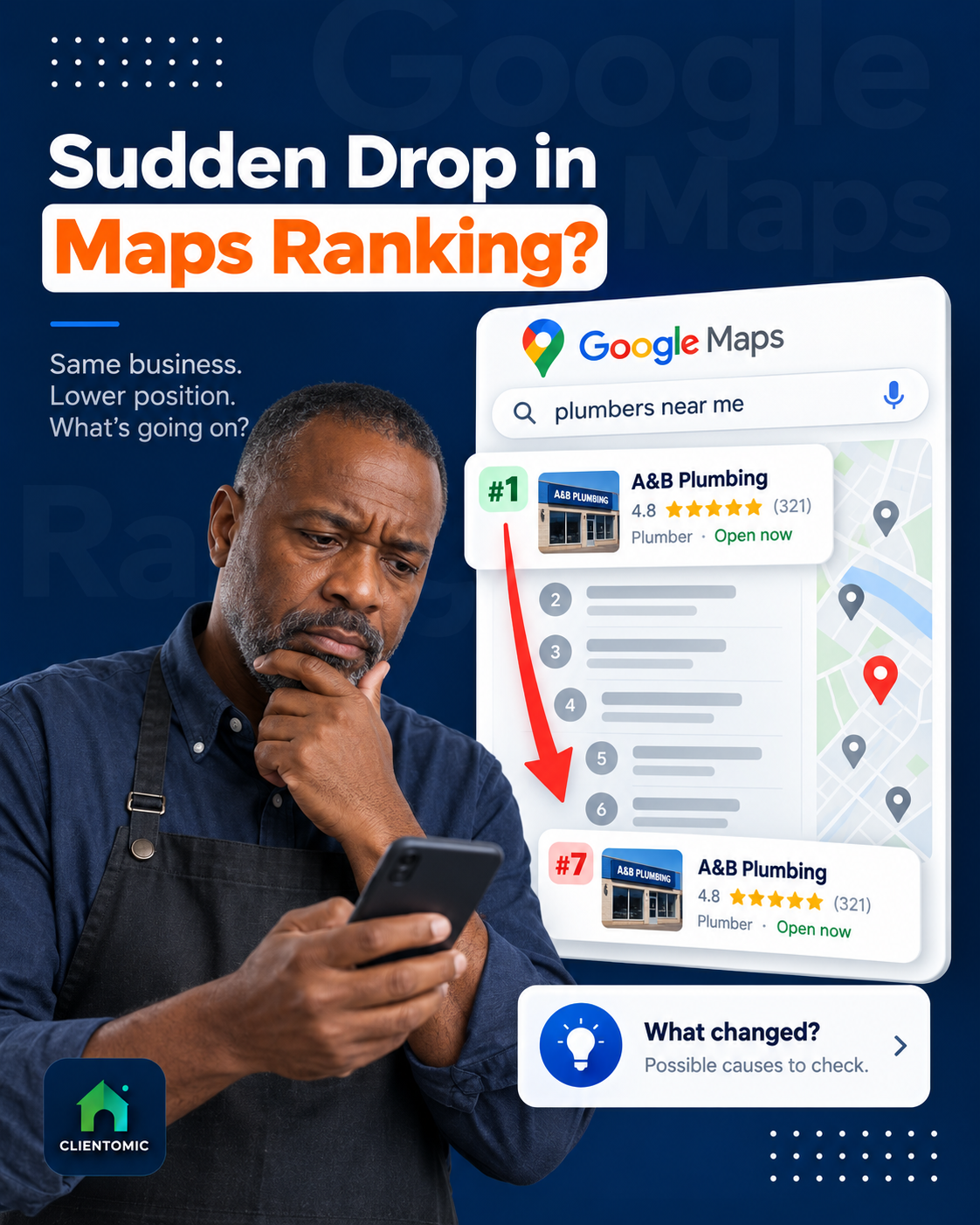
High views with low recorded calls are a diagnostic prompt, not a ranking law. First confirm the measurement boundary: the Views metric records exposure, while the Calls card records Call-button clicks rather than every phone conversation. Then check whether the queries are relevant to the services you sell. Review buyer-confidence details such as hours, categories, service information, photos, and current profile accuracy without assuming one field caused the pattern. Test the live Call button and phone route on a real device. Finally, inspect alternate actions because some searchers may click the website, request directions, send a message, or call later from another page. Stable visibility does not guarantee a stable path to action. The right response is a branch-by-branch check, followed by one measured change at a time—not a complete profile rewrite based on one dashboard ratio.
| Diagnostic branch | Check | Why it matters |
|---|---|---|
| Measurement boundary | Date range, Calls definition, answered-call log | The dashboard is not a complete phone record |
| Relevance | Search terms and service fit | Exposure from the wrong query may not create useful intent |
| Buyer confidence | Accurate hours, services, photos, and profile details | The searcher may see the profile but choose another business |
| Contact path | Live Call button, number routing, website, directions, messages | Demand can move through another action or meet a broken route |
When a business says the GBP shows views but no calls, at Clientomic we first separate exposure from the click-to-call metric; the dashboard is not a complete phone log.
When a profile's rank looks stable but calls fall, we check the live search surface before changing the profile: ads, AI summaries, and missing call buttons can change the path to action. Search Engine Land documented this live-surface problem in 2026.[6]
When a profile gets views but no recorded calls, we check both buyer intent and the contact path: some searchers choose website, directions, or messages, while others cannot act if the call control or number is wrong.
Google Business Profile measurement becomes more reliable when owners use consistent periods, understand missing metrics, and keep the dashboard separate from the final customer record. The adjacent questions below cover comparison timing, zero-call reports, Analytics choices, service-area limits, later website calls, unavailable actions, and outside reporting help. Each answer preserves the same boundary: GBP records discovery and selected profile actions, while Google Analytics and owner-held records add later evidence. No setup captures every path. A customer may see the profile, return through the website, call a saved number, or arrive through another surface. Use the available data to narrow the next check, not to claim certainty that the systems do not provide. A simple monthly routine is more useful than a crowded dashboard reviewed without consistent dates, source labels, and follow-up records.
Compare complete, like-for-like periods. A full month against the prior month is a practical starting point, but note seasonality and wait at least five days after month-end for search-query data to settle (Google Business Profile Help, 2026).[1]
Confirm the date range, test the live Call button, verify the displayed number and routing, and compare the GBP card with answered-call records. Zero Call-button clicks do not prove that nobody called through another path.
Use the method your team can maintain consistently. The current Google link centralizes eligible GBP metrics, while UTM tags identify referral campaigns in Traffic acquisition. Document the naming method and avoid changing it mid-period.
Only metrics relevant to the business appear in GBP Performance. A service-area business should not treat a missing Directions card as a defect. Focus on available actions, tagged website activity, answered calls, and qualified inquiries.
GBP may record the profile view and website click without recording the later phone call. Use tagged website sessions plus a lead log, and ask how the customer found the business when appropriate. Mark uncertain journeys as unknown.
Do not substitute a zero. Google only shows relevant metrics, and some actions require an eligible provider or feature. Record the metric as unavailable, then use the actions and owner records that apply to the business.
Get help when reporting periods slip, source labels change, or the owner cannot connect profile actions with inquiry records consistently. The goal is a maintained evidence chain, not a larger dashboard.
Reliable GBP reporting is a maintained operating habit. Managed Local Visibility means keeping the profile and its measurable visibility signals handled over time. Clientomic is a done-for-you local visibility service that manages Google Business Profiles for small service businesses so owners get found on Google Search and Maps without handling it themselves. Its recurring Google Business Profile management keeps profile work moving while the business retains its customer and outcome records.
If you want the profile maintenance and monthly interpretation handled while you run the business, book a call below. The close is a phone conversation about fit and scope.
Sources:
1. Google Business Profile Help, "Understand your Business Profile performance and insights," 2026. Review the metric definitions
2. Google Analytics Help, "URL builders: Collect campaign data with custom URLs," reviewed 2026. Review UTM campaign guidance
3. Google Analytics Help, "Connect Google Business Profile to Google Analytics," 2026. Review linking and retention limits
4. BrightLocal, "Google Business Profile Insights and Performance," updated 2025. Review the independent metric guide
5. SOCi, "In AI-Driven Discovery, Few Brands Are Chosen, Most Disappear," 2026. Review SOCi's Local Visibility Index 2026 release
6. Search Engine Land, "Your local rankings look fine. So why are calls disappearing?", 2026. Review the search-surface analysis
Observations sourced from review of public-community discussions on LocalSearchForum, Reddit r/smallbusiness/r/SEO/r/localseo, and Google Business Profile Help Community in 2025-2026, alongside Clientomic's profile-audit and onboarding work. Patterns reflect qualitative observations across multiple independent threads, not specific customer disclosures.