By Valerie Mitchell · Client Success Manager, Clientomic
Published August 17, 2026
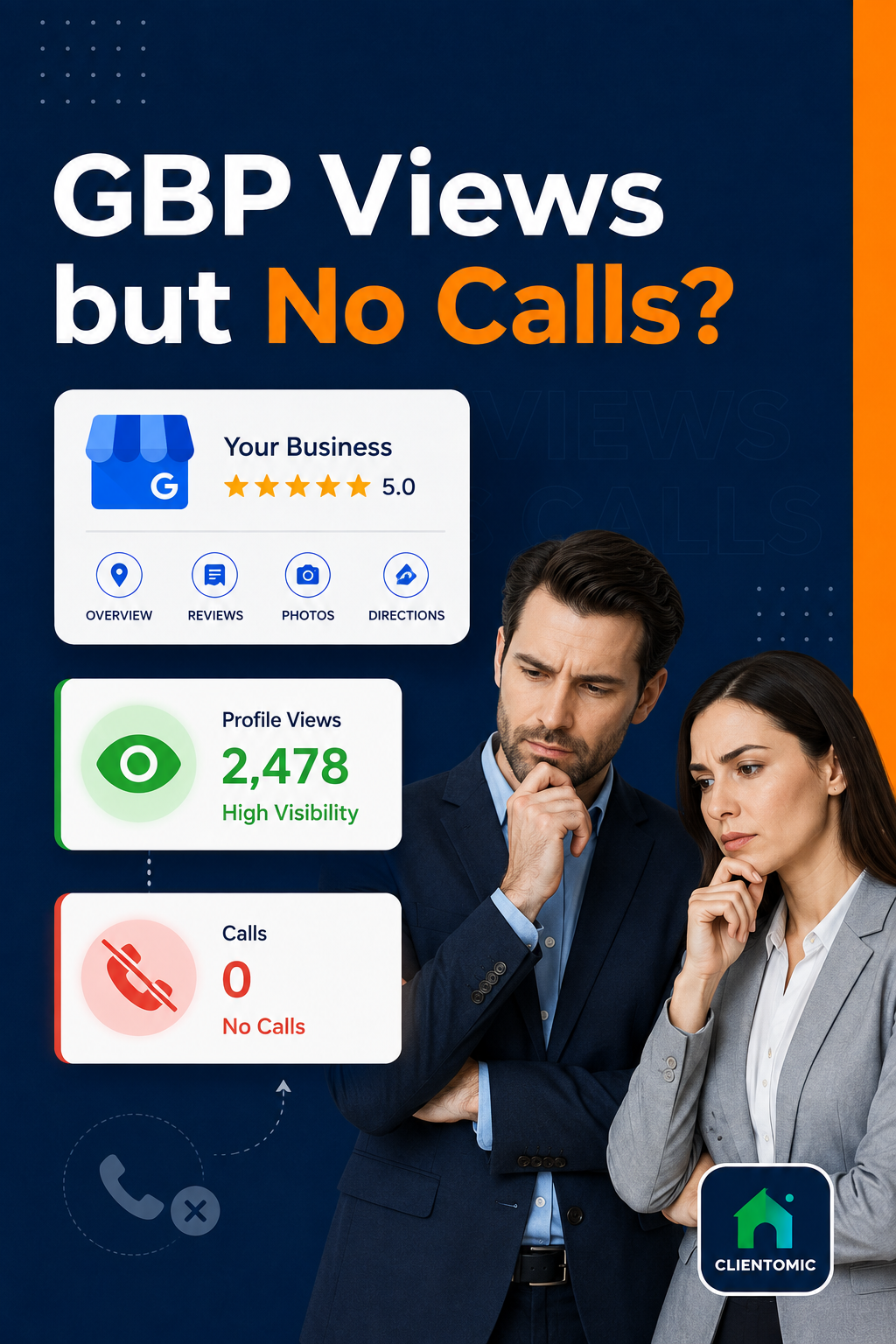
A Google Business Profile is the business listing customers see on Google Search and Maps. If your Google Business Profile has views but no calls, the profile is being seen but the phone action is breaking somewhere.
A Google Business Profile can get views but no calls because exposure and phone intent are different events. The profile may appear for searches that do not match your service, location, or urgency. A qualified buyer may see vague services, old information, unclear hours, or weak proof and choose another business. The Call button or displayed number may also be missing, incorrect, inconvenient, or measured differently from the calls your team receives. Finally, some viewers choose a website, directions, messages, or bookings instead of calling. A steady view count cannot identify which cause applies. Treat the gap as four separate checks: search relevance, buyer confidence, the live contact path, and reporting scope. That sequence is more useful than assuming your rankings failed or making every possible profile change at once.
| What the data says | What it does not prove | First check |
|---|---|---|
| Views are present | The searches were relevant | Open the Searches report and inspect query intent |
| Calls are low or zero | Nobody tried to phone | Test the live Call button and compare phone records |
| Views are stable | The action surface stayed the same | Check the current mobile result in Search and Maps |
| Other actions increased | The profile failed | Compare website clicks, directions, messages, and bookings |
In our profile-audit work, we separate exposure from click-to-call before diagnosing demand because the GBP dashboard is not a complete phone log.
Google Business Profile views measure exposure, not phone intent; a view means someone saw the profile, while a call is a separate click on its Call button.
Google reports Views when people see a Business Profile on Search or Maps, and it reports Calls when someone clicks the Call button on that profile. These metrics answer different questions. Views estimates the profile's reach, while Calls measures one specific action available on the listing. Google also limits how often one person can count toward Views, even if that person returns several times on the same day. The Calls card is narrower than a business's full phone history because a person can copy the number, dial it manually, arrive through the website, or use another channel. Compare the same date range and confirm which metrics are available for your profile. Do not treat the dashboard as a complete record of every phone conversation or as a universal conversion benchmark. It is a diagnostic view of profile interactions, not the whole customer journey.
Google says a person can count only once per day in the Views metric and that the number covers profile views rather than every appearance of the business on Google (Google, 2026).[1] Search Engine Land also notes that GBP Calls excludes a desktop user who manually enters the displayed number into a phone (Search Engine Land, 2024).[2]
Google Business Profile counts a profile visitor only once per day for Views, so a high view total is a reach signal—not a count of buying conversations.
Profile views are useful only when they come from people who need the service, are in the area you serve, and can act during your available hours. A plumber viewed for a broad contractor query may collect exposure without receiving a plumbing call. Start with the search terms in Performance, then check the primary category, listed services, service area, business description, opening hours, and phone number against how the business operates now. Google publicly describes local results through relevance, distance, and prominence, but it does not publish a fixed formula or promise that one edit will produce calls. Accurate facts help Google and the buyer understand the business. Accurate business facts do not remove proximity limits, create demand, or guarantee a ranking. Relevant exposure is more valuable than a larger view number built from the wrong searches.
Google names relevance, distance, and prominence as the main concepts behind local results (Google, 2026).[3] Use that guidance as a diagnostic frame, not a weighting formula.
Check these fields in order:
When a service business comes to us at Clientomic after a visibility drop, one of the first things we check is whether the primary category still describes how the business operates. A broader label can pull the profile away from its core service searches.
For a wider explanation, see what actually improves Google Business Profile performance.
A visible profile still has to make the buyer's decision easy. It should state what the business does, where it works, when it is available, and how the next step works. Current hours, precise service wording, real photos, genuine recent reviews, and useful Q&A reduce the amount a buyer must guess. These profile elements do not create a fixed call rate, but they are evidence that the business is active, relevant, and prepared to handle the job. Review the profile as a new customer would: can someone confirm the service and area in a few seconds, see recent proof of work, understand availability, and find one clear contact action? If any answer is no, the profile may earn a view but lose the choice. Being found starts the decision; clarity and credible proof help the buyer finish it.
BrightLocal's representative panel of 1,026 US adults found that 48% would read an AI-generated review summary before reading a mix of reviews, while 18% said they would decide from the summary alone (BrightLocal, 2025).[5] The BrightLocal figures show how quickly review information can shape a choice. The BrightLocal figures do not predict a call rate for any one profile.
Across the service-area profiles we study, review freshness works as an ongoing trust cue rather than a one-time trophy; a large total does less for buyer confidence when recent experience is hard to see.
If the buyer-confidence review reveals a wider issue than phone actions, read the broader reasons a Google Business Profile may not bring customers.
Test the call path from the live customer view, not only from the management dashboard. Open your profile on a mobile device in both Google Search and Google Maps. Confirm that the Call button appears, tap it, and verify the number before placing the call. Check that opening hours and after-hours expectations match what a caller experiences. Then test voicemail, missed-call routing, and the process for returning calls. Compare the same dates in GBP Performance and your phone records, and note website clicks, directions, messages, or bookings that may have replaced a call. The live Search-and-Maps test separates three different problems: the button was not available, the call occurred but was not counted in GBP, or the viewer chose another action. Record what you find before editing categories, services, or other profile facts.
Run this seven-step test:
Across the GBP cases we audit, the next step is rarely "add more views." It is a live tap-to-call test plus a check of hours, routing, and alternate actions.
Also inspect the current result page. When rank looks steady but calls fall, we check the live search surface because paid placements, AI summaries, and missing call controls can change what a searcher can do next. Search Engine Land documented these forms of call friction in 2026, while cautioning that the layout varies by query and surface (Search Engine Land, 2026).[4]
Compare Calls with Views, Searches, Website clicks, Directions, Messages, Bookings where available, and qualified enquiries over the same date range. Each action represents a different level and type of intent. Directions can matter more for a storefront, while website clicks or messages may carry more weight for a service business with detailed jobs. A low Calls number can coexist with useful activity elsewhere, and a high Views number can still reflect weak intent. The comparison should identify the branch that deserves attention: query mismatch, buyer hesitation, contact friction, or incomplete measurement. It should not produce a universal Google Business Profile call conversion benchmark. Business type, location, season, hours, and customer preference all change the action mix. Use your own consistent reporting periods to spot movement, then test the live experience behind the number that changed.
| Action | What it tells the owner | What it cannot prove |
|---|---|---|
| Views | People saw the profile | They needed the service or intended to call |
| Searches | Queries exposed the profile | Every query was commercially relevant |
| Calls | Someone clicked the GBP Call button | A conversation connected or became a job |
| Website clicks | Someone wanted more information | The site visit produced an enquiry |
| Directions | Someone requested a route | The person arrived or bought |
| Messages or bookings | Someone chose a non-phone path | Every profile or business has that option |
Whitespark's 2026 Local Search Ranking Factors report surveyed 47 local-search experts across 187 factors (Whitespark, 2025).[6] It separates ranking and conversion factors, which is a useful reminder that visibility and buyer action are related but not identical. Whitespark also states that the report reflects expert analysis rather than access to Google's internal system.
Local visibility means how readily nearby customers can find and understand a business across relevant search surfaces. Managed Local Visibility is the recurring work that keeps those facts accurate and maintained. Google Business Profile management can handle that upkeep, but no service controls demand or promises a fixed call count.
Clientomic is a done-for-you local visibility service that manages Google Business Profiles for small service businesses, so owners get found on Search and Maps without having to handle it themselves. Its operating model is simple: keep profile facts accurate, measure the customer path, and fix the smallest verified problem first. It does not promise control over demand or a fixed call count.
Yes. A desktop user can see the phone number and dial it manually, but that action may not appear in the GBP Calls metric because no one clicked the mobile Call button. Compare your phone records with GBP Performance before treating a zero as no phone interest.
Google counts clicks on the profile's Call button, not every possible phone path. A customer may copy the number, dial from a website, use a saved contact, or call from another listing. A date-range mismatch or tracking setup can also create a reporting gap.
Keep website-originated calls separate from GBP Call-button clicks, then compare both over the same dates. Use your phone system or a documented manual log to identify the source when possible.
A tracking number can help with attribution, but it must preserve accurate business information and route reliably. Test it from the live profile, keep the main business number documented, and monitor for routing failures. If the setup creates inconsistent customer-facing facts, fix the accuracy problem first.
Confirm that a valid phone number is saved, the profile is verified, and the feature is available for that profile and surface. Check both Search and Maps on mobile. Document what appears before editing the profile, because result layouts and available actions can vary.
Yes. Google Business Profile messages and website clicks show that some viewers chose another path. Compare Google Business Profile messages and website clicks with calls, directions, bookings, and qualified enquiries over the same period. A shift toward another action is different from a complete loss of buyer interest.
Use a consistent reporting period that fits your call volume and seasonality, then compare it with the prior equivalent period. Avoid conclusions from one quiet day. Confirm the live Call button and phone path immediately if the Calls metric suddenly drops to zero.
Yes. Service-area businesses should run the same measurement, relevance, confidence, and call-path checks. Remember that a declared service area shows where the business is willing to travel; it does not promise equal visibility or call opportunity across the whole area.
If you want the profile facts, activity, and action reporting handled on a recurring basis, book a call below. Clientomic will explain what managed upkeep covers and where its responsibility ends.
Sources:
1. Google Business Profile Help, Business Profile performance and Insights metrics, 2026. Read Google's metric definitions
2. Search Engine Land, Google Business Profile performance insights and click-to-call limitations, 2024. Read the measurement guide
3. Google Business Profile Help, How Google determines local ranking, 2026. Read Google's local ranking guidance
4. Search Engine Land, local rankings and disappearing calls, 2026. Read the current search-surface analysis
5. BrightLocal, Local Consumer Review Survey 2025, representative panel of 1,026 US adults, 2025. Read the survey
6. Whitespark, Local Search Ranking Factors 2026, published 2025. Read the expert report
Observations sourced from review of public-community discussions on LocalSearchForum, Reddit r/smallbusiness/r/SEO/r/localseo, and Google Business Profile Help Community in 2025-2026, alongside Clientomic's profile-audit and onboarding work. Patterns reflect qualitative observations across multiple independent threads, not specific customer disclosures.