By Valerie Mitchell · Client Success Manager, Clientomic
Published August 21, 2026
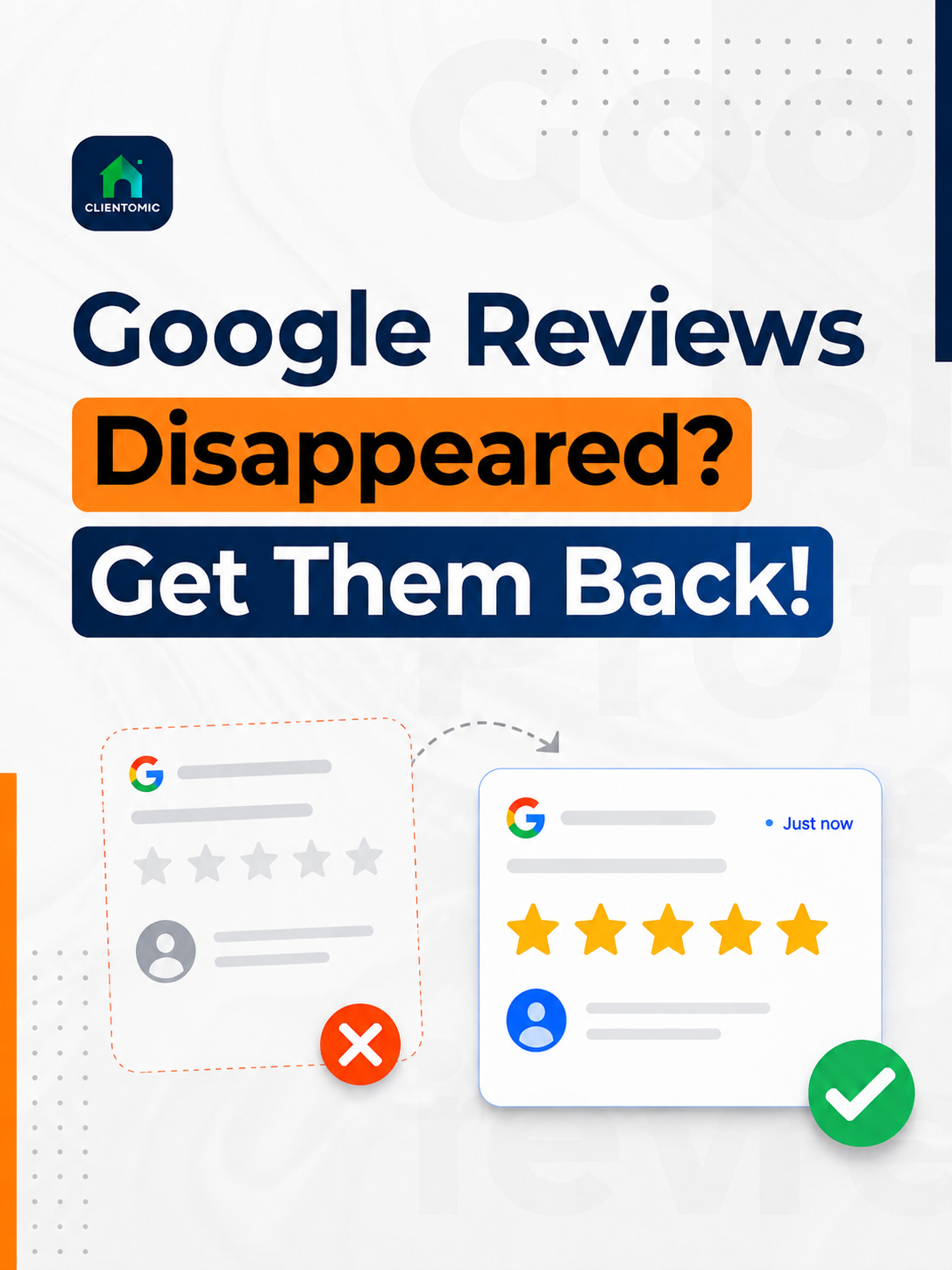
Some missing Google reviews are delayed or hidden; reviews removed for policy violations are not restored. A Google Business Profile (GBP) is the listing customers see on Google Search and Maps. If your Google reviews disappeared, compare both public surfaces before changing the profile or asking anyone to post again.
Google says review checks can take a few days (Google Business Profile Help, 2026).[1] Record the evidence first, then use the matching Google route.
Google reviews can disappear because they are still being checked, a Business Profile was recently merged or reinstated, user-created content was temporarily disabled, the reviewer or account changed, or Google removed the review for a policy reason. These causes look alike from the owner's side, but each has a different next step. Google says reviews removed for policy violations will not be restored; a delayed review or content affected by a recent profile merge may appear after processing (Google Business Profile Help, 2026).[1] Before asking Google for help, save the profile URL, current review count, affected review URL or screenshot, and the date you noticed the change. Check the public profile in both Search and Maps. Then note any recent profile event—a merge, reinstatement, ownership change, restriction, or major edit—that could explain a display change. Do not create another profile or ask for a replacement review while the cause is unclear.
A delayed review is content Google is still checking or processing. A policy removal is Google's decision to remove content that breaks the Maps user-generated-content rules.
| What you see | Likely state | First action |
|---|---|---|
| New review absent everywhere | Processing delay or filter | Record the date and check both public surfaces |
| Count differs between Search and Maps | Display inconsistency | Save screenshots from both surfaces |
| Reviews changed after a merge or reinstatement | Profile-event effect | Preserve the canonical profile and event details |
| Review absent after a policy decision | Policy removal | Read the cited policy and use only an eligible route |
Classify the incident into one of four practical states. A delayed review is still being checked. A hidden or display-affected review is not rendering consistently in Search, Maps, or the visible count. A profile-event-affected review changed after a merge, reinstatement, ownership update, or restriction. A removed review was taken down under Google's content rules. Ask the reviewer whether the content remains visible in their account, but do not pressure them to repost it. Compare Search and Maps, check the profile status, and record the timing of any recent change. A broad community report can show that other businesses noticed a similar symptom, but it cannot prove what happened to one profile. The evidence should determine whether you wait, contact support, or use an available appeal route. One symptom can reflect several states, so avoid making profile changes until you have classified it.
| What the owner sees | Likely explanation | What to record | Safest next action |
|---|---|---|---|
| A recent review never appears | Delayed or filtered | Review date and reviewer confirmation | Wait through the documented check period |
| Text or count differs by surface | Hidden/display-affected | Search and Maps screenshots | Recheck before escalating |
| Count changed after reinstatement or merge | Profile-event-affected | Event date, profile URL, case ID | Contact Google support |
| Review is absent after moderation | Policy-removed | Review text and decision notice | Use an eligible appeal path only |
Do not create a duplicate Business Profile or ask for a replacement review while the cause is unknown. A second listing or an incentivized repost can create another policy issue. Google's guidelines say there should be only one profile per business because duplicates can affect how information appears in Search and Maps (Google Business Profile Help, 2026).[5]
Search Engine Roundtable reported a wave of disappearing-review complaints in October 2025 and described reports that Google was working on a possible issue.[6] That report is useful incident context. It is not an official notice that every missing review in 2026 has the same cause.
Google's documented review rules should lead the diagnosis. Reviews may be removed when they do not reflect a genuine experience, were paid for or incentivized, came from coordinated accounts, show unusual contribution patterns, contain prohibited material, or involve a conflict of interest. Google may also delay reviews while checking them, delay display after a profile merge, remove content after a reviewer account change, or temporarily restrict user-created content for a profile or category. A recent reinstatement can affect review visibility and may require support assistance. Display inconsistencies are possible, but a technical explanation should not be assumed without evidence. A third-party article can suggest a hypothesis; it cannot override Google's policy or establish that a review will return. Match the visible symptom, profile history, and any Google notice before choosing an action.
Google's Maps policy requires reviews to reflect genuine, unbiased experiences. It prohibits paid reviews, incentives, coordinated posting, selective positive-review requests, and other rating manipulation (Google Maps User Generated Content Policy, 2026).[2]
| Cause or state | Evidence to check | Action | Recovery boundary |
|---|---|---|---|
| Policy removal | Review content, posting pattern, decision notice | Read the rule and use an eligible appeal | Google says policy-removed reviews are not restored |
| Processing delay | Recent post, no profile restriction | Record the date and recheck | No fixed restoration date |
| Merge or reinstatement | Recent event and count change | Keep one canonical profile; contact support | Google decides whether content returns |
| Display issue | Different results in Search and Maps | Preserve both views and wait before editing | Incident reports are not promises |
| Reviewer-side change | Reviewer cannot see the post or account | Ask only for factual confirmation | The owner cannot control the account |
A review may reappear after processing, a merge or reinstatement event, or a Google-side display issue, but Google does not promise restoration for every missing review. Google explicitly says reviews removed for policy violations will not be restored (Google Business Profile Help, 2026).[1] The correct route depends on the underlying decision. The Reviews Management Tool is designed for reporting a review that appears to violate policy and checking that report's status. If Google finds no violation, the tool may offer a one-time appeal. A missing review after reinstatement belongs with support, while a profile or account restriction must be resolved through the matching profile appeal process. Submit one clear case with one evidence packet. Repeated appeals, unrelated documents, or a second profile make the history harder to follow. Clientomic and other service providers cannot influence Google's moderation decision or promise that content will return.
Can you get a Google review back? First prove whether it is delayed, hidden, or policy-removed; then use the matching Google support or appeal path.
Google's one-time review appeal flow allows an owner to select up to 10 reviews (Google Business Profile Help, 2026).[3] For profile-content appeals, Google says review can take up to 5 business days and warns against multiple appeals for the same issue (Google Business Profile Help, 2026).[4] If the evidence form opens, supporting evidence must be submitted within 60 minutes (Google Business Profile Help, 2026).[4]
Use a four-step recovery process: verify the symptom, record the evidence, classify the likely state, and choose the matching Google route. First compare the public profile in Search and Maps and note whether the count, review text, or both changed. Next save the profile URL, affected review URL or screenshot, date and time, visible count, recent profile changes, and any existing case ID. Then classify the incident as delayed, hidden or display-affected, profile-event-affected, or policy-removed. Finally, use the official report, appeal, or support path that fits that classification and submit one concise explanation. Do not create another listing, buy replacement reviews, offer an incentive for reposting, mass-report negative reviews, or submit repeated appeals. The goal is a clear record that lets Google assess one issue, not a trail of conflicting changes.
Open the public listing in both Google Search and Google Maps. Record the visible count and check whether the specific review text is absent on both surfaces. If the reviewer is available, ask only whether the review is still visible in their account.
Keep one short folder or note with:
Choose one label: delayed, hidden/display-affected, profile-event-affected, or policy-removed. Do not combine several theories in the same support note. A clear classification makes the timeline easier to evaluate.
Use the official route that matches the classification. Keep the description factual: what changed, when it changed, what you checked, and which evidence is attached. If Google sends a decision, keep it with the original case record.
This process gives you a repeatable decision: wait, document, appeal, or contact support.
No owner or service can control Google's moderation, but a consistent profile record and scheduled public checks can reduce confusion and shorten diagnosis time. Keep one accurate Business Profile with stable ownership and business details. Encourage only genuine, non-incentivized feedback, and never buy reviews or pressure customers to use specific wording. On a monthly schedule, record the public review count and retain a small sample of review URLs. Keep a simple log of profile edits, support cases, merges, and reinstatements. If the count changes, compare the live profile with that record before editing anything. Managed Local Visibility means recurring operational work across Google Search, Maps, and related local surfaces; it can include profile monitoring and maintenance, but it is not control over Google's enforcement system. The responsible promise is earlier detection and cleaner documentation, not guaranteed review retention or restoration.
Review monitoring is an early-warning system, not a restoration tool: it can show that a profile changed, but only Google decides whether content returns.
Clientomic is a done-for-you local visibility service that manages Google Business Profiles for small businesses so owners get found on Search and Maps without handling the profile themselves. Across the profiles we manage at Clientomic, we see how often a review-count change turns out to be a display timing issue rather than an actual removal. [What recurring Google Business Profile management includes](/services-results/google-business-profile-management) explains the operating scope. It covers defined profile work and monitoring; it does not include review generation or influence over moderation.
Review visibility is also different from discovery visibility. If the whole listing is hard to find, use this separate guide to diagnose [why a business may not show on Google Maps](/blog/why-business-not-showing-google-maps).
If you want a steady profile record and a phone conversation about what Clientomic can responsibly manage, here is where to start.
Save the Business Profile URL, the missing review's URL or screenshot, the date and time you noticed the change, the review count in Search and Maps, recent profile events, and any existing case ID. A short, consistent evidence packet is easier to assess than several messages with different theories.
Google notes that reviews can sometimes be removed after reinstatement and directs owners to contact support for assistance (Google Business Profile Help, 2026).[1] Keep the reinstatement date, decision email, canonical profile URL, before-and-after count, and support case ID together. Google decides whether the reviews return.
A count drop alone does not prove policy removal. Compare Search and Maps, note which reviews remain visible, and save screenshots with the time. Treat it first as a display or profile-event symptom unless a Google notice or the missing review's status provides stronger evidence.
For a new review, Google says checks can take a few days (Google Business Profile Help, 2026).[1] Record the date and recheck before escalating. Contact support sooner if the loss followed reinstatement, a merge, or a restriction, or if Search and Maps continue to show conflicting states.
Not while the cause is unknown. First ask only whether the original review remains visible in the customer's account. Do not offer a discount, free item, payment, or suggested wording. Google prohibits incentives and rating manipulation (Google Maps User Generated Content Policy, 2026).[2]
The review diagnosis is the same, but the evidence should match the service-area profile. Google says a service-area business should use one eligible profile for its central office or location and keep its service area accurate (Google Business Profile Help, 2026).[5] Do not create a second listing to replace missing content.
No. This guide covers reviews attached to a Google Business Profile. Reviews shown on Yelp, an industry directory, or another site follow that platform's display, moderation, and appeal rules. Diagnose and escalate the issue through the platform that owns the content.
Google and Yelp operate separate review systems with different policies, tools, and appeal routes. Evidence from one platform does not establish what happened on the other. Record the review and account details, then use the policy and support path for the platform where the content disappeared.
Sources:
1. Google Business Profile Help, guidance on missing or delayed reviews, 2026. Read Google's guidance
2. Google Maps User Generated Content Policy, prohibited and restricted content, 2026. Read the policy
3. Google Business Profile Help, reporting and one-time review appeals, 2026. Read the review-reporting guidance
4. Google Business Profile Help, appeal evidence and processing guidance, 2026. Read the appeals guidance
5. Google Business Profile Help, guidelines for representing a business, 2026. Read the profile guidelines
6. Search Engine Roundtable, independent reporting on disappearing Google reviews, 2025. Read the report