
By Ivan Kalin · Local SEO Expert & Founder at Clientomic
Published September 11, 2026
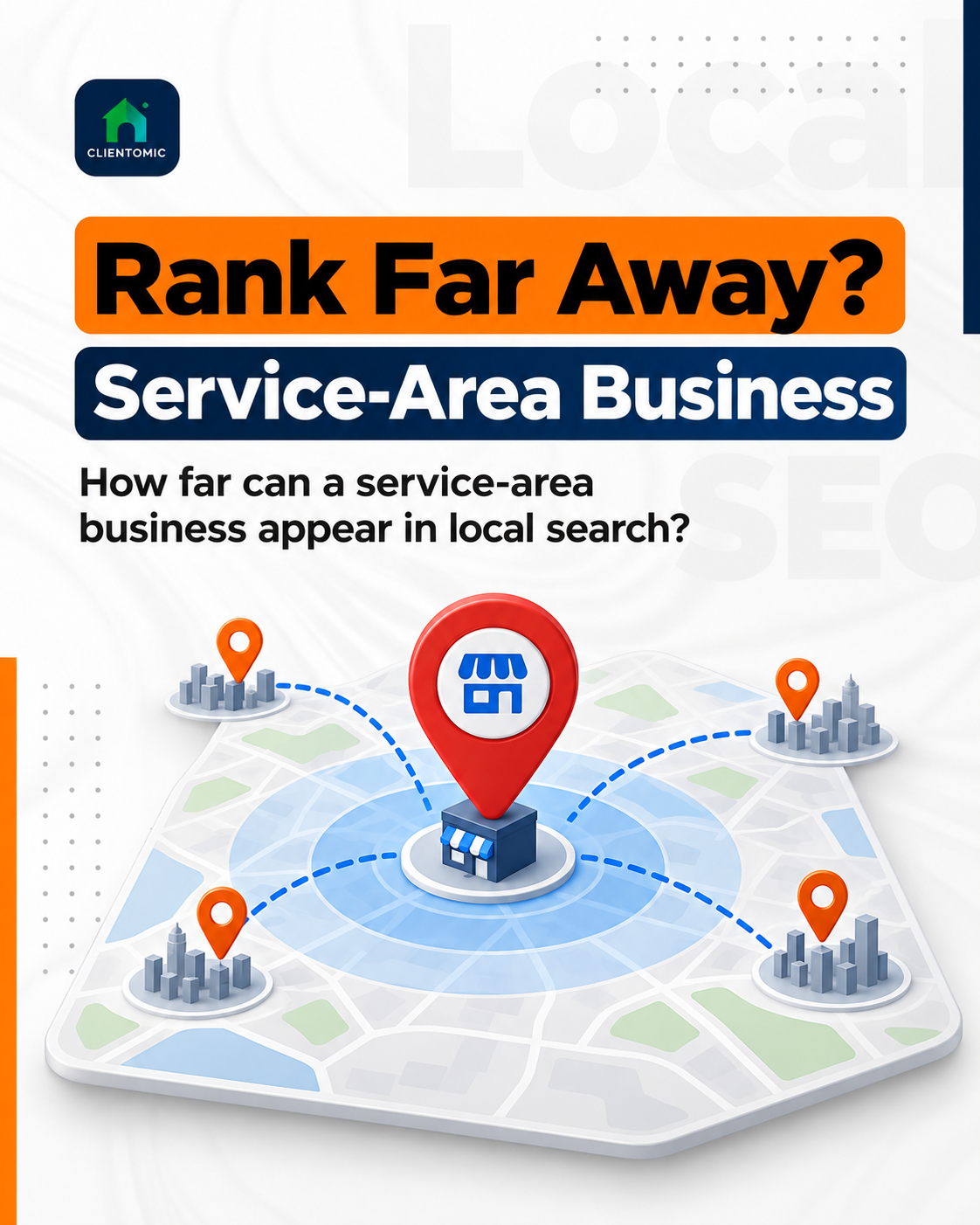
Service area business ranking in other cities is possible, but adding a city to your profile does not guarantee a Map Pack position. Google weighs relevance, distance, and prominence. A useful city-qualified organic page may be more realistic than far-away Maps visibility, and the two surfaces should be measured separately from controlled search locations.
"Rank" can mean visibility in the Google Map Pack, visibility in Google Maps, an organic website result for a city-qualified query, or a branded result for the business name. Those surfaces are related, but they are not interchangeable. A service-area business may have an organic page visible for "water heater repair in Riverton" while its profile is absent from the Map Pack for a searcher standing in Riverton. The Map Pack is the local business block shown within Google Search; an organic local result is a website page returned for a geographically specific query. The searcher's location weighs heavily in local results, while an organic page can establish relevance through useful city-and-service information. Can a service-area business rank in another city? Sometimes—but city-qualified organic visibility can be more attainable than far-away Map Pack visibility because the two surfaces use different evidence.
A Google Business Profile (GBP) is the business-managed presence shown across Google Search and Maps. A service-area business (SAB) travels to customers or delivers to them instead of serving them at a public storefront. A service area describes real operating coverage; it does not create another physical location.
| Search surface | What appears | Location effect | How to measure it |
|---|---|---|---|
| Google Maps / Map Pack | The eligible Business Profile | High; distance is explicit | Check one query from controlled search points |
| Organic search results | A relevant website URL | The query matters more than profile placement | Record the URL returned for a city-qualified query |
If an owner says, "We do not rank in Oakview," identify whether the missing result is the profile, a website page, or both. Use the Google Business Profile ranking factors guide for the wider signal set.
No. Adding a city to a Google Business Profile service area tells Google and customers that the business genuinely provides products or services there; it does not guarantee a local position in that city. Google allows an eligible service-area business to use one profile for the full area it serves and to list up to 20 cities, postal codes, or other areas (Google Business Profile Help, 2026).[1] Google also says the overall boundary generally should stay within about two hours of driving time from the business base, although some businesses may reasonably cover more (Google Business Profile Help, 2026).[1] These are configuration and accuracy rules, not a fixed ranking radius. A service-area setting does not promise Map Pack visibility in every listed city. Approved service-area edits may also take up to 48 hours to appear (Google Business Profile Help, 2026).[1]
The profile should represent the business that exists. If customers do not visit the address, the address may be hidden under Google's eligibility guidance. Hiding it changes what the public sees; it does not remove the physical anchor used to calculate distance.
| Google allows | Meaning | Owner action |
|---|---|---|
| One eligible profile | The genuine area served | Add profiles only for qualifying staffed locations |
| Up to 20 service areas | Practical operating coverage, not placement | List only areas served regularly |
| A generally two-hour boundary | A realistic base-to-coverage relationship | Re-check after route or staffing changes |
| A hidden address when appropriate | Correct public presentation, not geographic neutrality | Match the real business model |
Across the SAB cases we review, one of the most expensive assumptions is believing a larger service area will create a larger ranking radius. It usually does not.
Distance remains a core limitation because Google says local results are mainly based on relevance, distance, and prominence (Google Business Profile Help, 2026).[2] Relevance asks how well the business matches the query. Distance considers how far the business is from the location term or the searcher. Prominence reflects how well known the business appears through signals such as information, links, and reviews. Strong relevance, genuine local prominence, lighter competition, or an uncommon specialty can sometimes widen visibility, but no profile field erases distance. In Van Isle SEO's 2026 Victoria contractor study, 80.8% of listings within 0–1 kilometer reached the top 10, compared with 18.2% at 3–5 kilometers.[3] The study examined 100 listings in one market, so it shows a local correlation rather than a universal radius or proof that distance alone caused each position.
In Van Isle SEO's 2026 Victoria study, 80.8% of contractor listings within 0–1 kilometer reached the top 10, versus 18.2% at 3–5 kilometers; that is local-study evidence of distance pressure, not a universal Google ranking rule.[3]
| What can widen legitimate reach | What cannot erase distance |
|---|---|
| A close match between query, category, services, and profile | Adding cities to the service-area field |
| A genuine, uncommon specialty | Repeating locations in the business name |
| Strong, authentic prominence | Hiding the address |
| A useful page for the city-and-service need | Treating one home search as citywide proof |
The practical winner keeps coverage accurate, strengthens relevant information, and measures from real markets. The loser treats every tactic as equal, then mistakes a profile setting for evidence of reach.
Build the chance one real target city at a time. First, confirm that the business can consistently serve the city within a practical route. Second, keep one eligible Google Business Profile accurate, including the right categories, services, hours, and service areas. Third, make the business's service relevance clear without adding place names to fields where they do not belong. Fourth, create one service-area page only when it gives that city useful, original information. A service-area page is a website page explaining how the business serves a particular city or area; it is not proof of a staffed location. Fifth, strengthen authentic prominence and measure from controlled locations in the target city. BrightLocal and Search Engine Land both caution that useful local pages need distinct value rather than city-name substitution (BrightLocal, 2025; Search Engine Land, 2025).[4][5] This sequence can improve the evidence Google evaluates, but it cannot guarantee a position.
This is where recurring Google Business Profile management fits: the service keeps profile information, services, posts, Q&A, and measurement routines current. Clientomic is a done-for-you local visibility service that manages Google Business Profiles for service businesses so owners get found on Search and Maps without handling the day-to-day upkeep themselves, while Google keeps control of placement.
Avoid shortcuts that misrepresent where the business operates or manufacture pages without real value. Do not use a fake address, a virtual office that does not qualify as a staffed location, a duplicate profile for the same business, or an invented service area. Do not add city terms to the business name unless they are part of the real-world name. Do not copy one city page dozens of times with only the location changed, and do not fabricate job locations, customer statements, or review context. Google's representation guidance requires the profile to reflect the business accurately, and its content rules prohibit misleading material (Google Business Profile Help, 2026).[6] A hidden address is a presentation choice for an eligible service-area business, not a way to escape distance. These practices can create false confidence and policy exposure without solving the underlying geography problem.
| Shortcut | Compliant path |
|---|---|
| Use a mailbox or virtual office as a second location | Keep one eligible profile for the genuine operation |
| Create duplicate profiles for nearby cities | Add only real, independently staffed locations when they qualify |
| Put extra city terms in the business name | Use the real-world business name consistently |
| List markets the team does not serve | Maintain a specific service area based on actual capacity |
| Copy the same page for every city | Publish a small number of pages with distinct local information |
| Promise a Map Pack position within a set radius | Explain that Google weighs several signals and controls placement |
You should not need a marketing degree to be found where you genuinely serve. Local visibility still requires accurate entity information, relevant service evidence, and honest geography.
Use a fixed set of queries and several controlled search locations across the genuine coverage area. For every check, record the date, search point, device or location setting, Map Pack or Maps presence, and the organic URL shown. Keep those results separate: a profile position is not the same measurement as an organic page position. Then track downstream actions such as calls, website visits, direction requests, or quote requests as business outcomes, not as proof that a ranking caused them. Repeat the check on a consistent schedule and annotate meaningful changes to the profile, website, competitor set, or search-result layout. A single screenshot from the owner's home can show one local result, but it cannot represent an entire city. If the business appears at one point and disappears at another, the grid reveals where visibility changes rather than hiding that variation in an average.
Use a simple measurement sheet:
| Field | What to record |
|---|---|
| Query | One stable service-and-city phrase |
| Search point | A fixed address or coordinate in the genuine service area |
| Search context | Device and location setting where controllable |
| Maps result | Presence and observed position |
| Organic result | URL shown and observed position |
| Date | A consistent repeat interval |
| Local context | Competitor, profile, page, or layout changes |
| Downstream action | Calls, website actions, directions, or quote requests |
Across the local-search cases we review at Clientomic, rank position is a visibility input, not a call guarantee; the query, surface layout, and available action controls still determine what happens next.
If one screenshot suggests the business vanished, check controlled locations before editing the profile. The Google Maps visibility troubleshooting guide covers disappearance and verification; this method maps visibility across a real operating area.
Document drive time, capacity, licensing limits, charges, hours, and services. Keep evidence of real coverage without publishing customer details. Confirm that the city belongs in normal operations before adding it to profile data or a page.
Allow up to 48 hours for an approved edit to appear (Google Business Profile Help, 2026).[1] Then confirm the area is specific, the profile remains eligible, and coverage is practical. Document the profile state before asking Google Business Profile support for help.
Start with one regional page when service conditions are substantially the same. Use separate city pages only when each answers distinct local questions or meaningful differences. Search Engine Land's 2025 guidance favors unique local value over scaled place-name swaps.[5]
Yes. A hybrid business serves customers at a staffed address and travels to customers. Its address may be shown when eligible and staffed during stated hours. Distance still applies. Keep storefront facts and service coverage accurate.
A Google Business Profile service area describes genuine operating coverage. A service-area page explains how the business serves a city or region. The setting does not guarantee placement, and the page does not create a physical location. Measure each on its own surface.
Accurate coverage is the starting point. Maintaining the profile, useful content, and location-by-location measurement is the ongoing work, and it is exactly the routine Clientomic runs for service businesses without ever promising where Google will place a profile.
Sources:
1. Google Business Profile Help, guidance for managing service areas for service-area and hybrid businesses, 2026. Review the service-area guidance
2. Google Business Profile Help, guidance on relevance, distance, and prominence in local results, 2026. Review the local-ranking guidance
3. Van Isle SEO, Victoria Google Maps Ranking Study covering 100 local contractor listings, 2026. Review the study
4. BrightLocal, guide to service-area pages and local search visibility, 2025. Review the guide
5. Search Engine Land, guide to service-area pages across locations, 2025. Review the guide
6. Google Business Profile Help, guidelines for representing a business accurately on Google, 2026. Review the representation guidelines
Observations sourced from review of public-community discussions on LocalSearchForum, Reddit r/smallbusiness/r/SEO/r/localseo, and Google Business Profile Help Community in 2025-2026, alongside Clientomic's profile-audit and onboarding work. Patterns reflect qualitative observations across multiple independent threads, not specific customer disclosures.


.png)

