
1. Tap Business [1] in the bottom-right, then tap See business profile [2].
.png)
2. On the profile card, swipe the action row (where Directions is) to the right until you see … More [3].

3. Then tap … More [4].
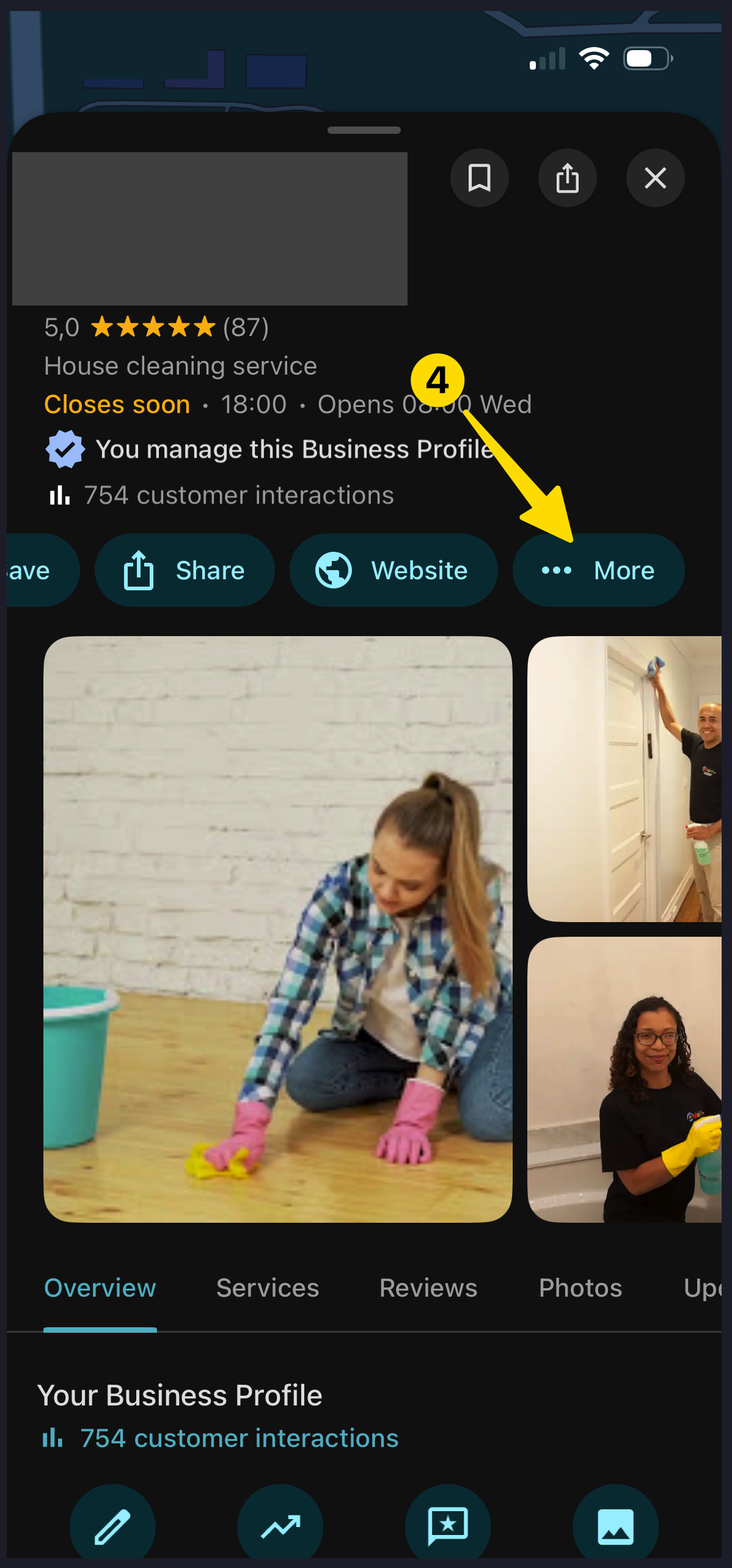
4. Tap Business Profile settings [5].

5. Tap Managers [6].

6. Tap Add [7].

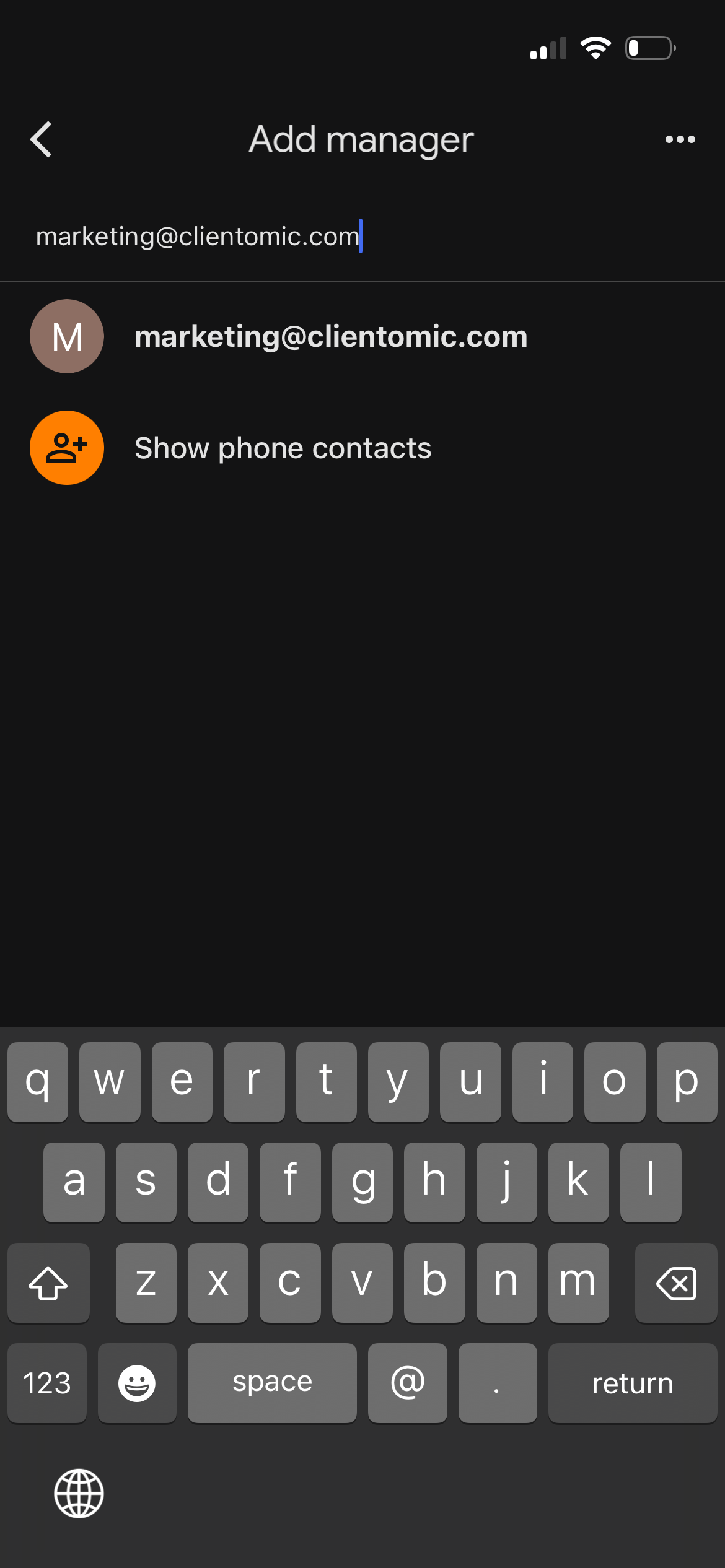
7. Enter marketing@clientomic.com as the email.
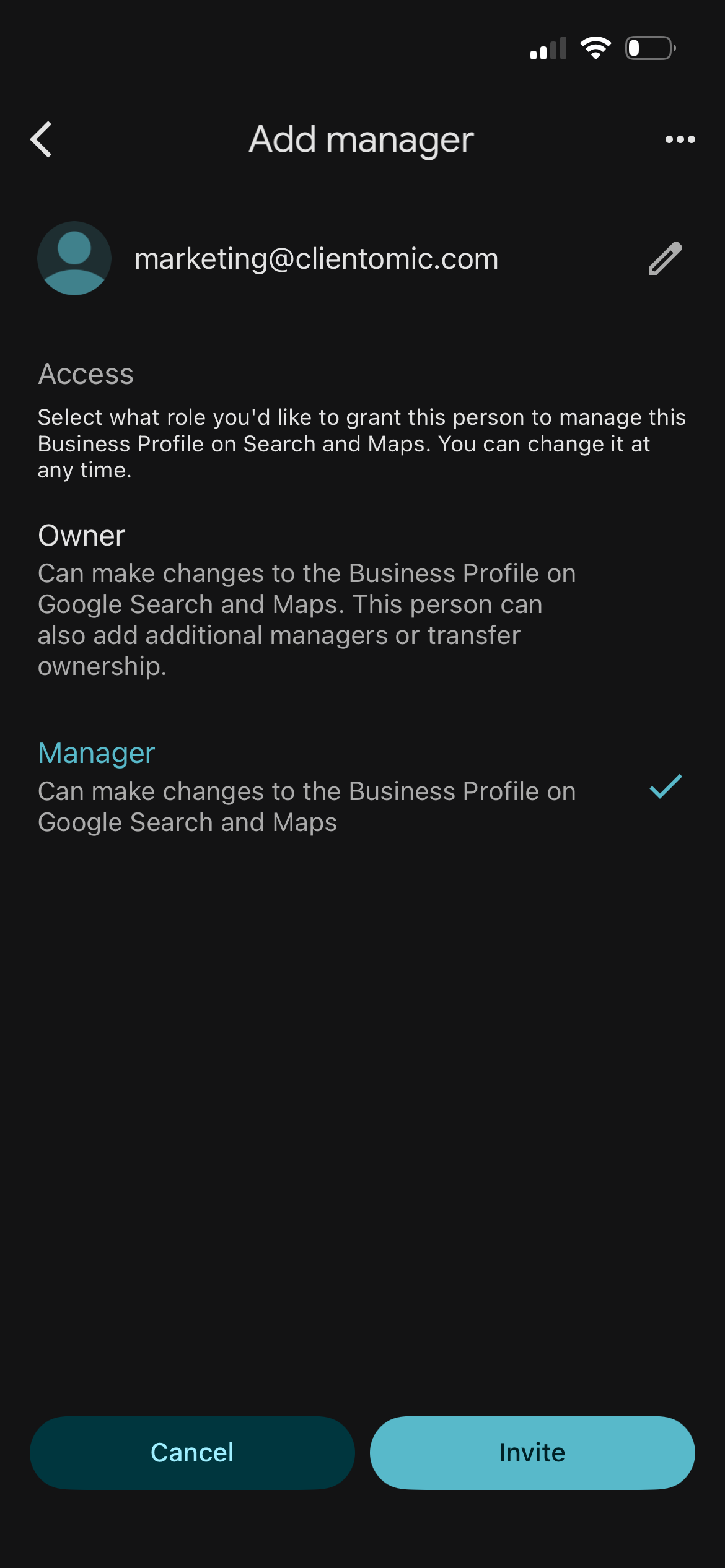
8. Choose the role Manager and tap Invite.
Notes